


Play 3D Cube Online
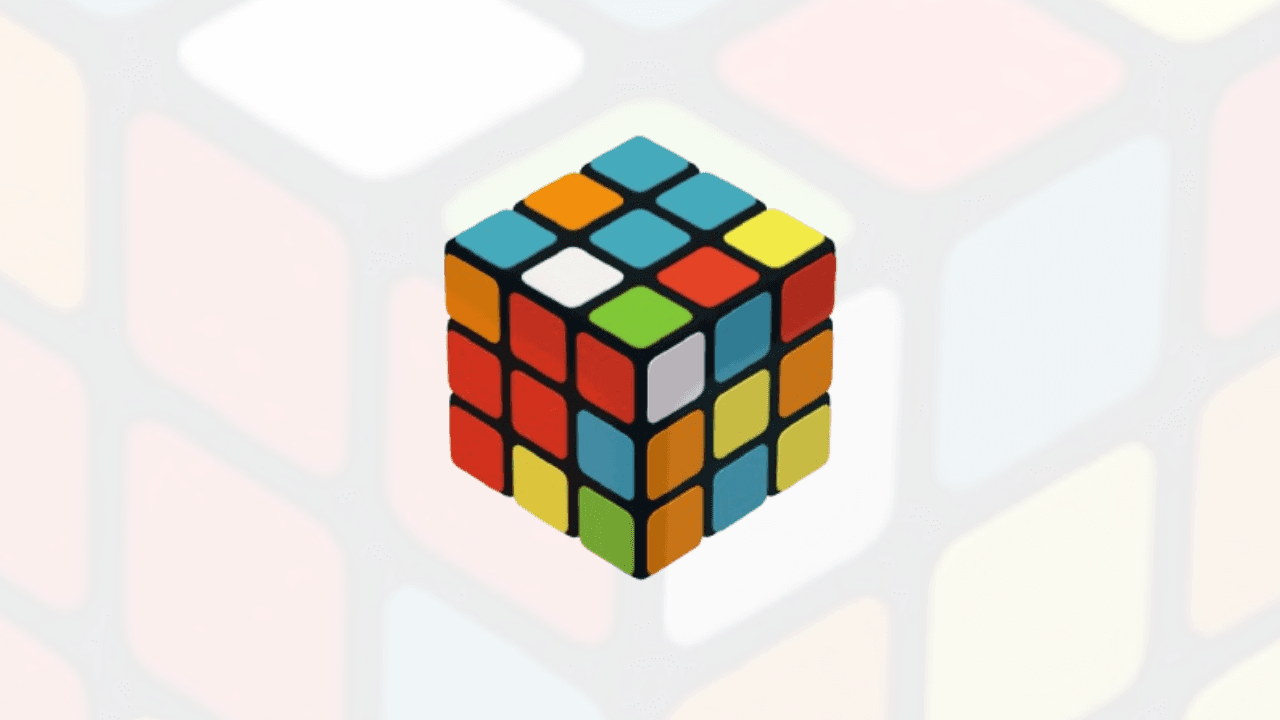
3D Cube is an addictive online game where players can solve a cube in a realistic 3D mode. This game works with smooth 3D animation and responsive controls, letting you rotate, twist, and align the cube from every angle right in your browser. No download or installation is needed; just click and start playing 3D Cube instantly for free.
Report a Bug
How to Play 3D Cube Game: Shuffle, Rotate & Solve
Playing the 3D Cube Game is easy: double-tap the screen to shuffle the cube and start solving the Rubik’s Cube. On PC, use your mouse (left/right click) to move and rotate the cube. On mobile, use touch gestures to rotate the cube and solve it. With this cube, you can rotate left or right, flip up or down, and check any camera angle or side of the cube.
Controls
Features
The 3D Cube Game lets you practice cube solving in an interactive 3D environment with customizable controls, cube sizes, colors, camera angles and scramble settings.
Play the 3D Cube in real time and see how fast you can solve it.
Choose from multiple cube sizes — 2×2, 3×3, 4×4, and 5×5 — based on your needs.
Fill in your favorite colors to customize your 3D Cube.
Adjust the flip type, camera angle, scramble length, and color scheme as you like.
Frequently Asked Questions
Is the 3D Cube Game free to play?
Yes. You can play the 3D Cube Game online for free on TheGameGloble. Open the game in your browser and start exploring, rotating and solving the virtual cube without downloading additional software.
How do you play the 3D Cube Game?
You can play the 3D Cube Game by rotating and moving the virtual cube using your mouse on desktop or touch gestures on mobile. You can also shuffle the cube and choose different cube sizes, colors, camera angles and scramble settings for a customized solving experience.
What cube sizes are available in the 3D Cube Game?
The 3D Cube Game supports multiple cube sizes, including 2×2, 3×3, 4×4 and 5×5 cubes. You can choose a cube size based on your preferred difficulty and practice solving different configurations.